Mostrando entradas con la etiqueta web. Mostrar todas las entradas

miércoles, 7 de febrero de 2018

How to search your web on google.com

Hi,

Like all people know, google have a domain for region. For example, for searching your web on google in Spain you have to use https://www.google.es, for searching your web in USA you have to use https://www.google.com.

But we have a problem using https://www.google.com. Automatically, you will be redirect to your region domain. For example, if you are in Spain, you will be redirect to https://www.google.es.

For resolving this problem, you can access to the url https://www.google.com/ncr and you could use the USA domain and you can investigate your SEO in America and how are you publishing there.

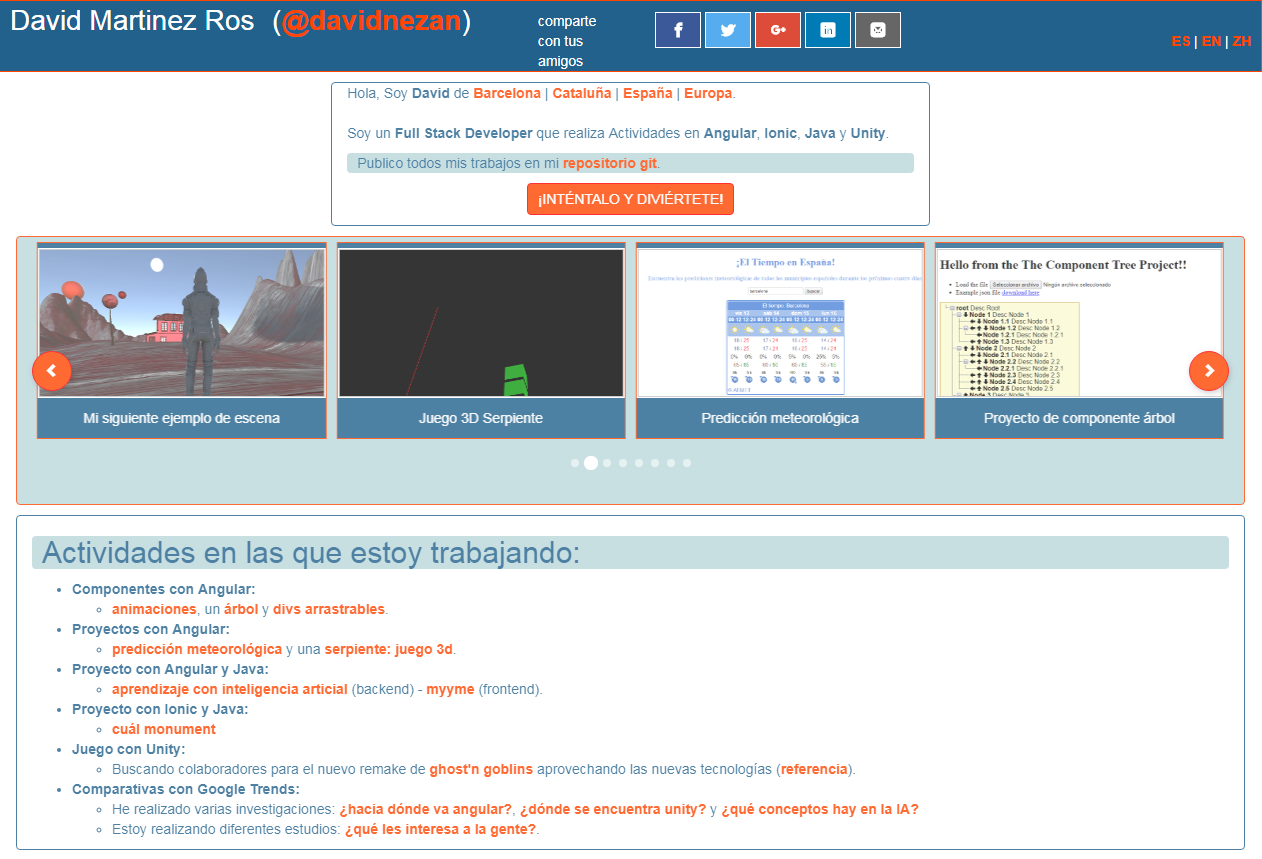
For example, acceding to https://www.google.com/ncr and searching the words david angular java full stack you will see on the first position of the google link list the domain https://davidmartinezros.com/dashboard?lang=en, which is my english web.


And if you search on https://www.google.es and searchs the words david angular java full stack you will see on the first position the domain https://davidmartinezros.com/dashboard?lang=es, which is my spanish web.


If you have any question, ask me on the comments.

viernes, 20 de octubre de 2017

What to do for Convert your App into a Progressive Web App

Hi,

I'm going to explain what to do for Converting your App into a Progressive Web App. Or what's the same, for using Service Workers.

Here you can see the demo of a Progressive Web App with Service Workers.

It's very easy.

You have to use Angular/Cli in your Angular App and do the next three steps:

- First, you have to change your Angular/Cli config file and add the next line:

{
"apps": [
{ "serviceWorker": true } ]
}


- Second, you have to install the Service Workers dependency:

npm i @angular/service-worker --S

- And finally, you have to add the external links from your index.html for use the cache on them, modifying the generated file ngsw-manifest.json:

"external": {
"urls": [
{"url": "https://maxcdn.bootstrapcdn.com/bootstrap/3.3.7/css/bootstrap.min.css"},
{"url": "https://cdn.rawgit.com/konpa/devicon/4f6a4b08efdad6bb29f9cc801f5c07e263b39907/devicon.min.css"},
{"url": "https://fonts.googleapis.com/icon?family=Material+Icons"},
{"url": "https://cdnjs.cloudflare.com/ajax/libs/font-awesome/4.7.0/css/font-awesome.min.css"}
]
},


And that's all!

Try it and have fun!